Lecture 2
JS basics and The canvas
JS basics + The Canvas
UI Programming week 2
Values and variables
Functions
function add(a, b) {
  return a + b;
}

const double = (n) => n * 2;        // arrow, implicit return

const greet = (who = "world") => `hello ${who}`;

add(2, 3);        // 5
double(add(2, 3)) // 10
greet();          // "hello world"
Backticks are template literals: ${...}
interpolates.
Control flow
const n = 7;

if (n % 2 === 0) {
  console.log("even");
} else {
  console.log("odd");
}

for (let i = 0; i < 3; i++) {
  console.log(i);       // 0 1 2
}
Always ===, never ==. The double-equals
version coerces types: "1" == 1 is true.
Arrays and objects
const tools = ["pandoc", "reveal.js", "vim"];

tools.length;                 // 3
tools[0];                     // "pandoc"
tools.push("make");           // mutates, even though it's const

const lecture = { title: "JS basics + the canvas", slides: 23 };
talk.slides;                  // 23
talk.slides = 1000;           // fine — const locks the binding, not the contents

tools.map(t => t.toUpperCase());   // result computed, then thrown away
tools;                             // ["pandoc", "reveal.js", "vim"]

const shouty = tools.map(t => t.toUpperCase());
shouty;                            // ["PANDOC", "REVEAL.JS", "VIM"]
tools;                             // still unchanged

tools.filter(t => t.includes("j"));
for (const t of tools) console.log(t);
Canvas
“Part of HTML5 and allows for dynamic, scriptable rendering of 2D shapes and bitmap images. It is a low level, procedural model that updates a bitmap. HTML5 Canvas also helps in making 2D games. While the HTML5 canvas offers its own 2D drawing API, it also supports the WebGL API to allow 3D rendering with OpenGL.”
Canvas
CanIuse canvas?
Checking browser compatibility is good web-dev practice:
Responsive design
Where did ‘responsive web design’ come from, and what was it motivated by?
- HCI progress over years
- arrival of usable touch screen mobile devices
Consider these examples
9 basic principles
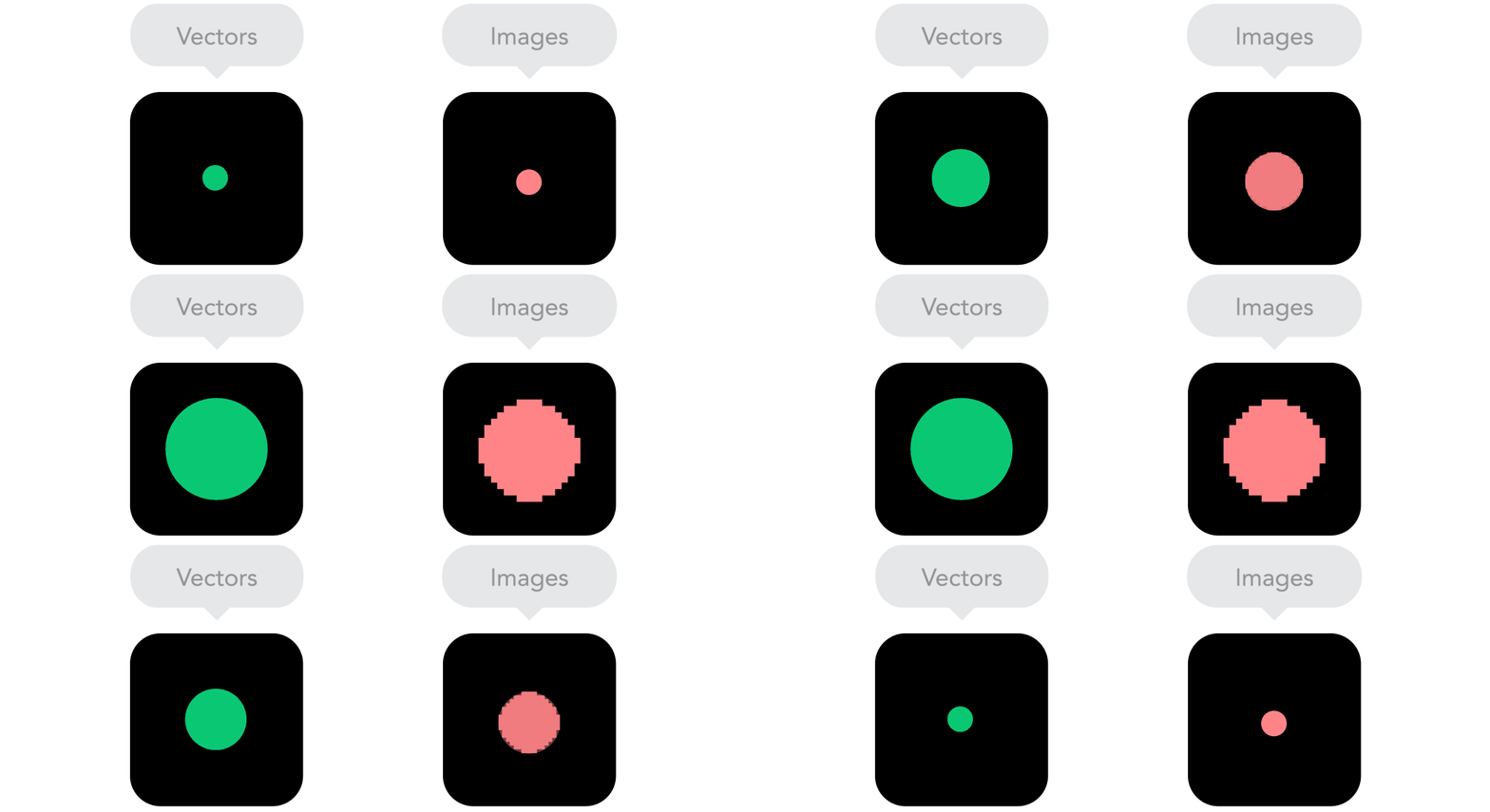
The following animated images are extracted from: https://blog.froont.com/9-basic-principles-of-responsive-web-design/
2.1
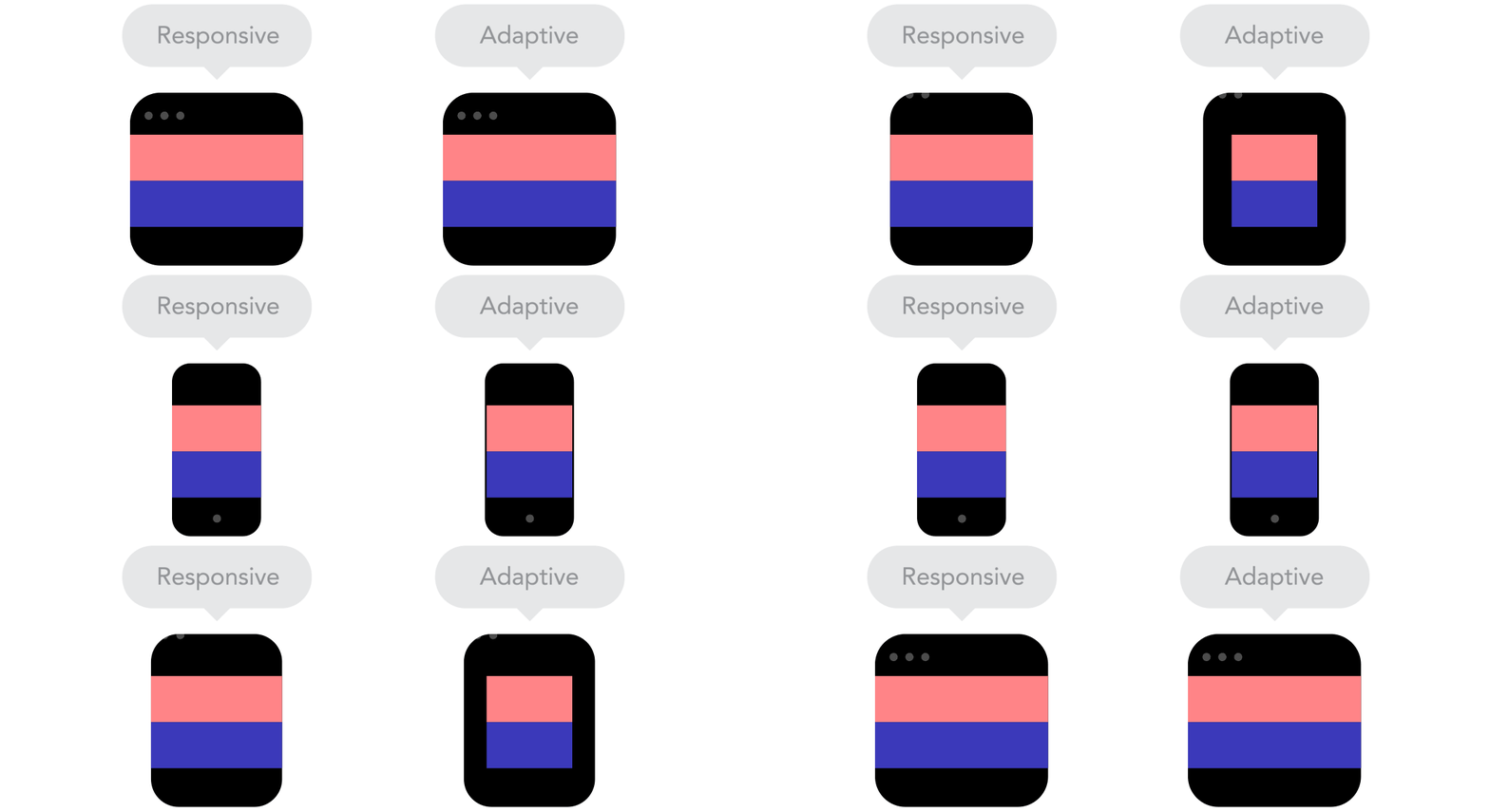
2.2
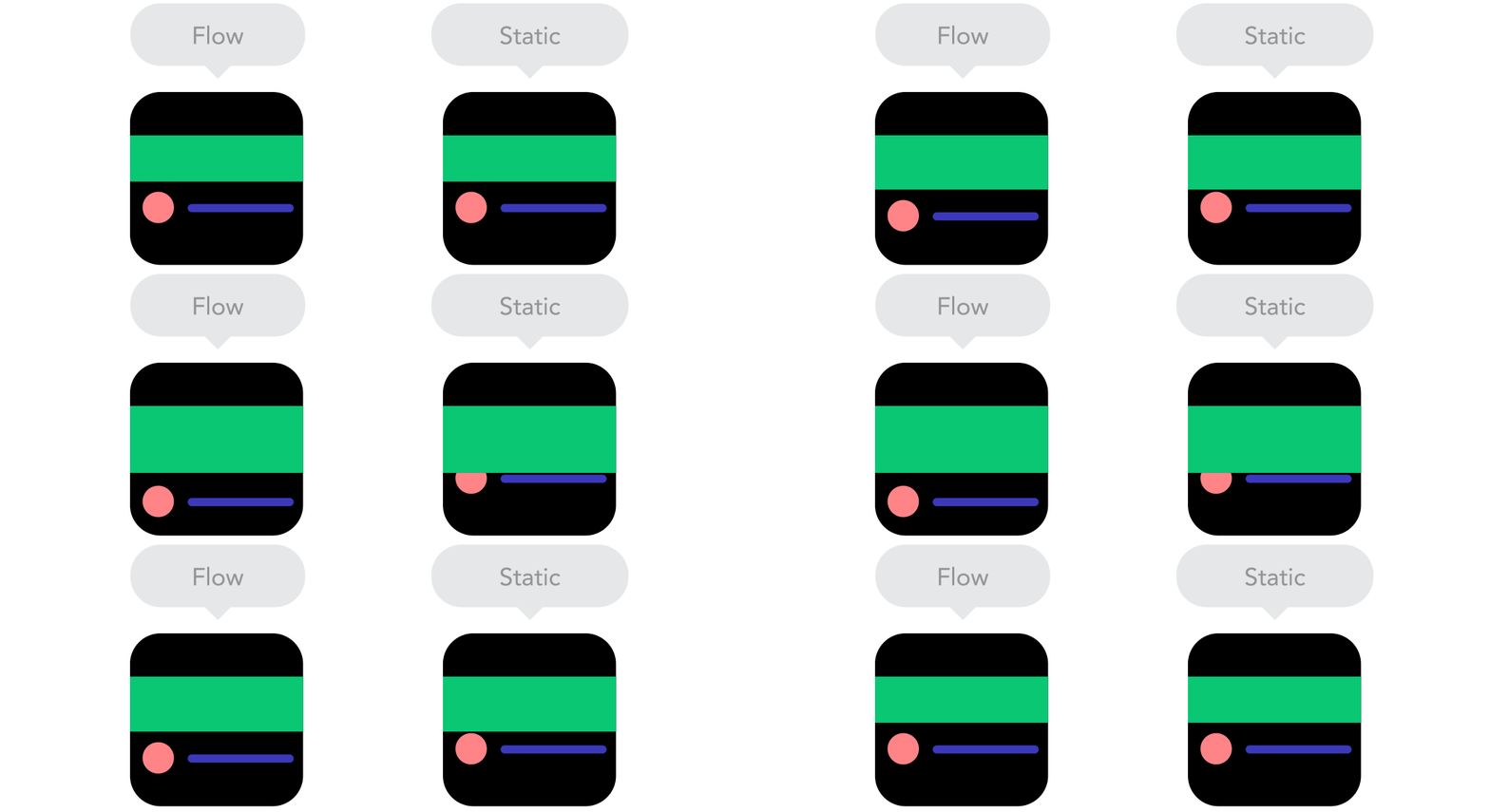
2.3
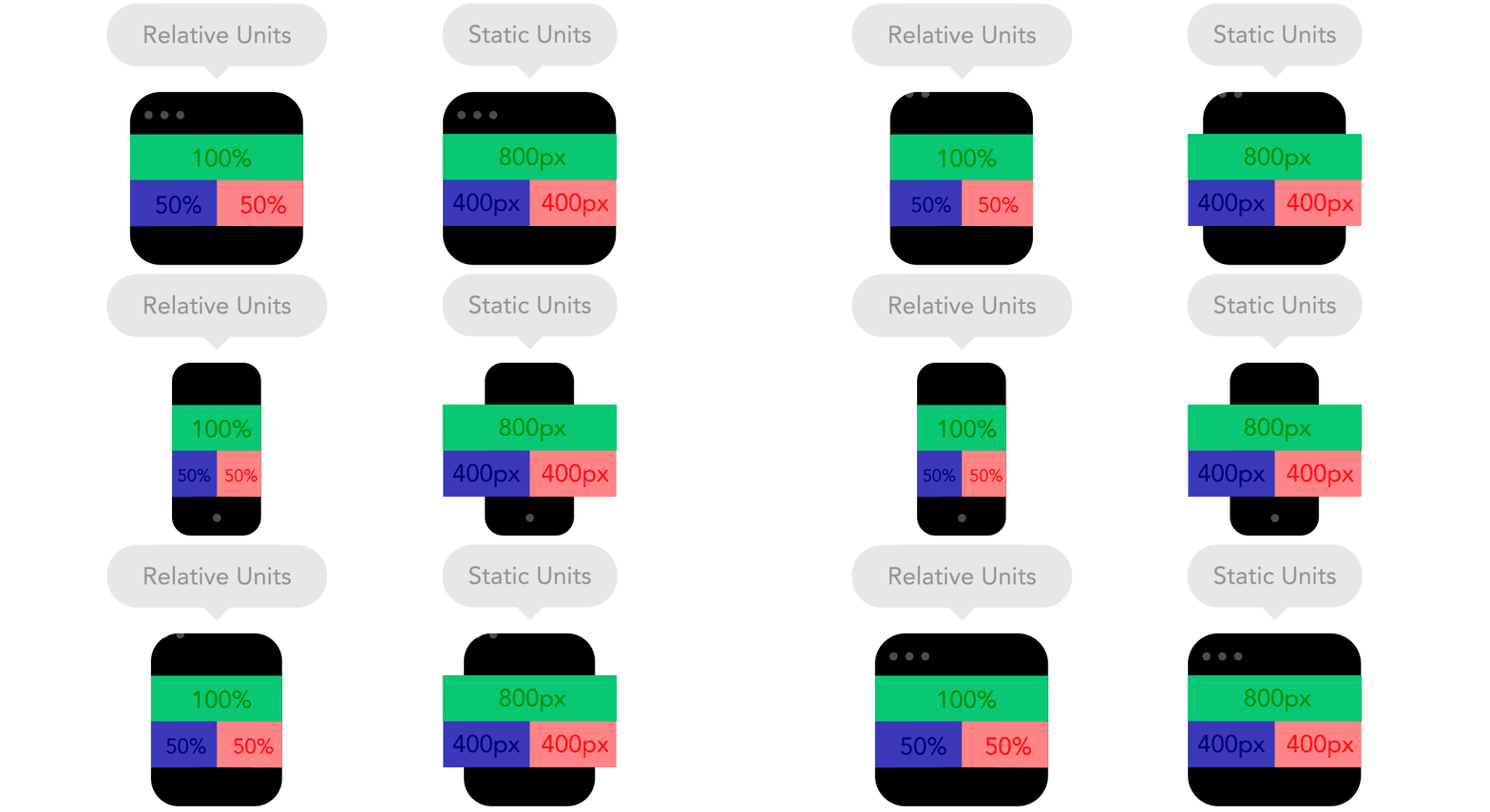
2.4
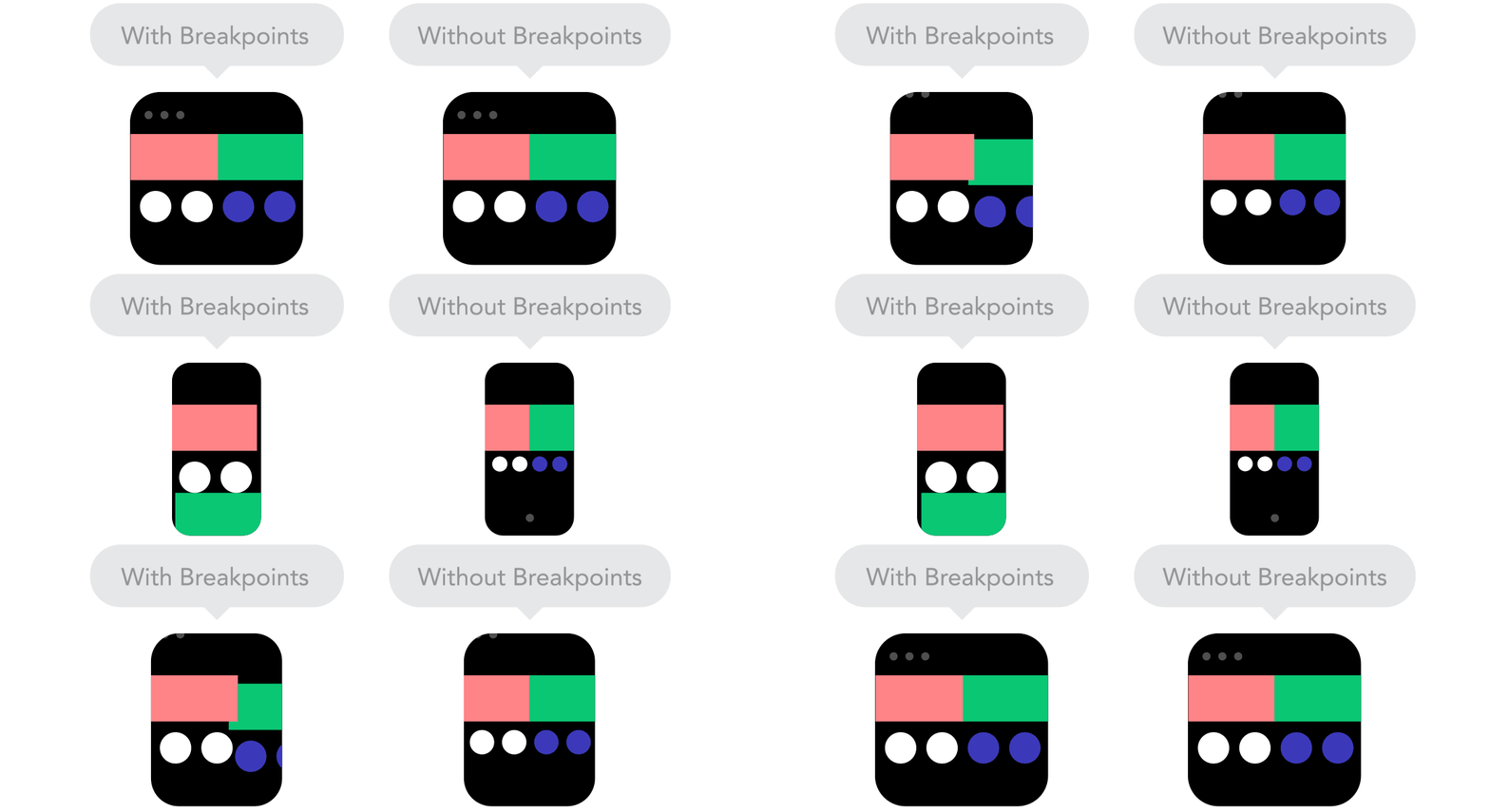
2.5
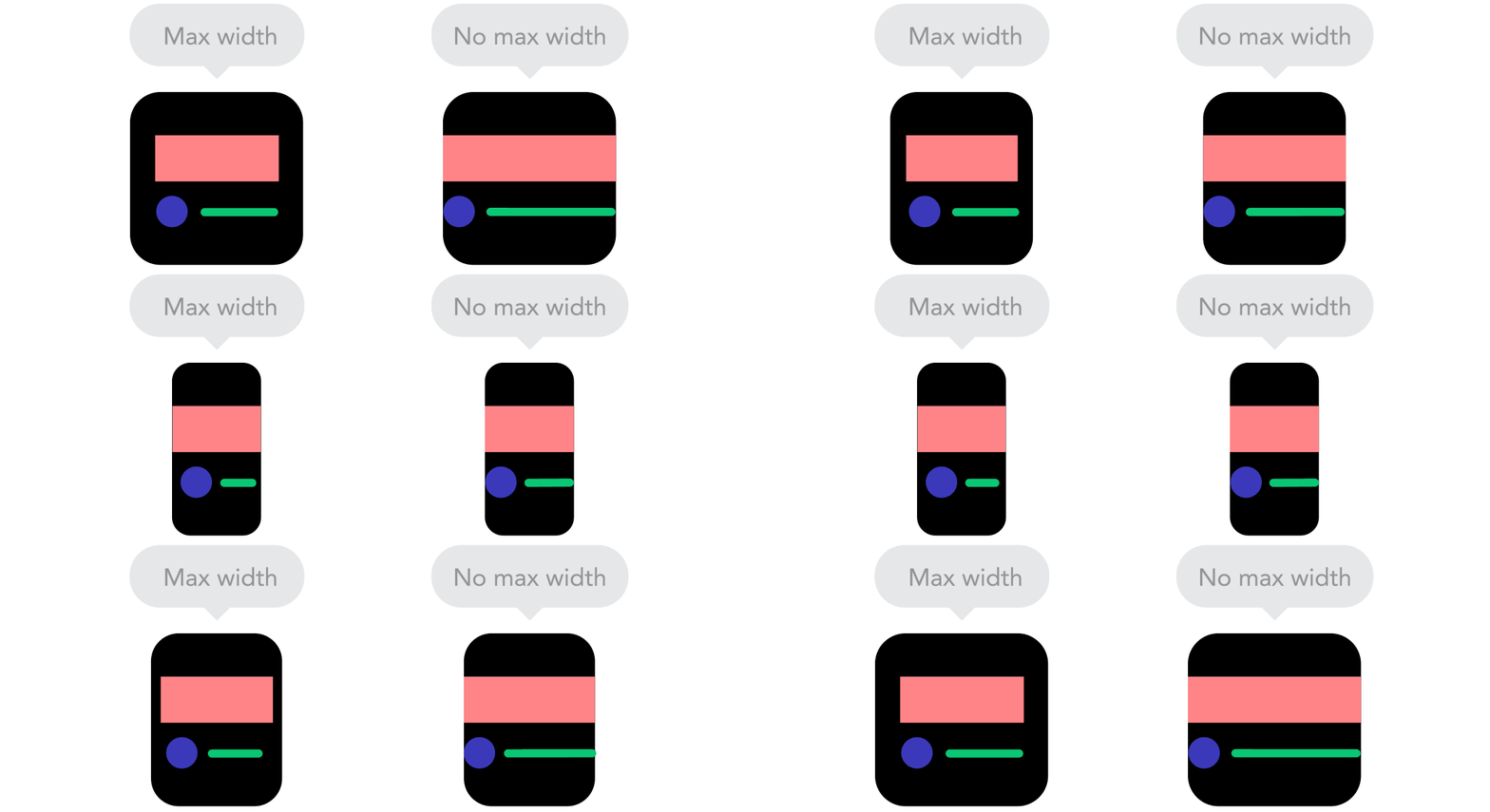
2.6
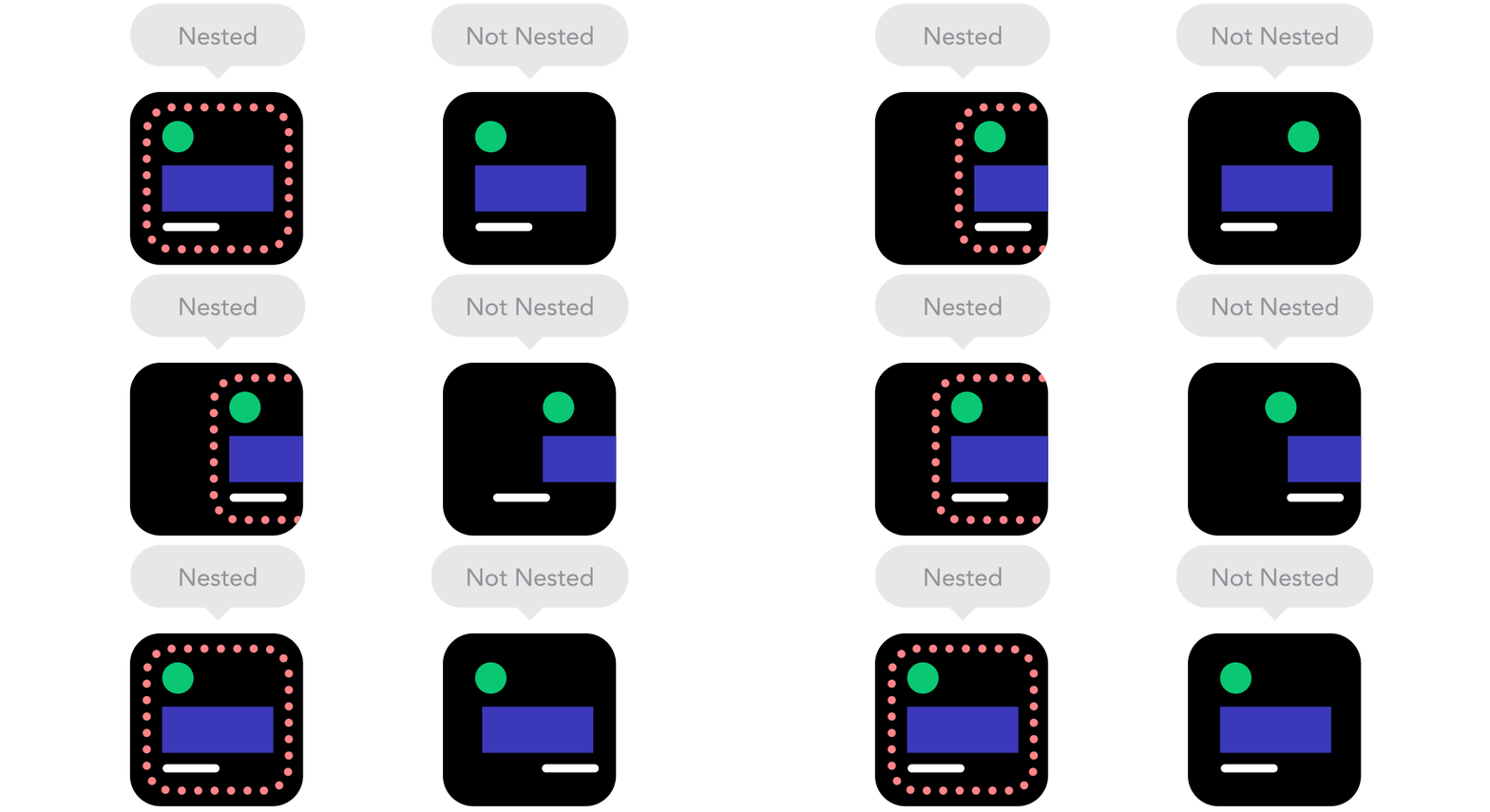
2.7
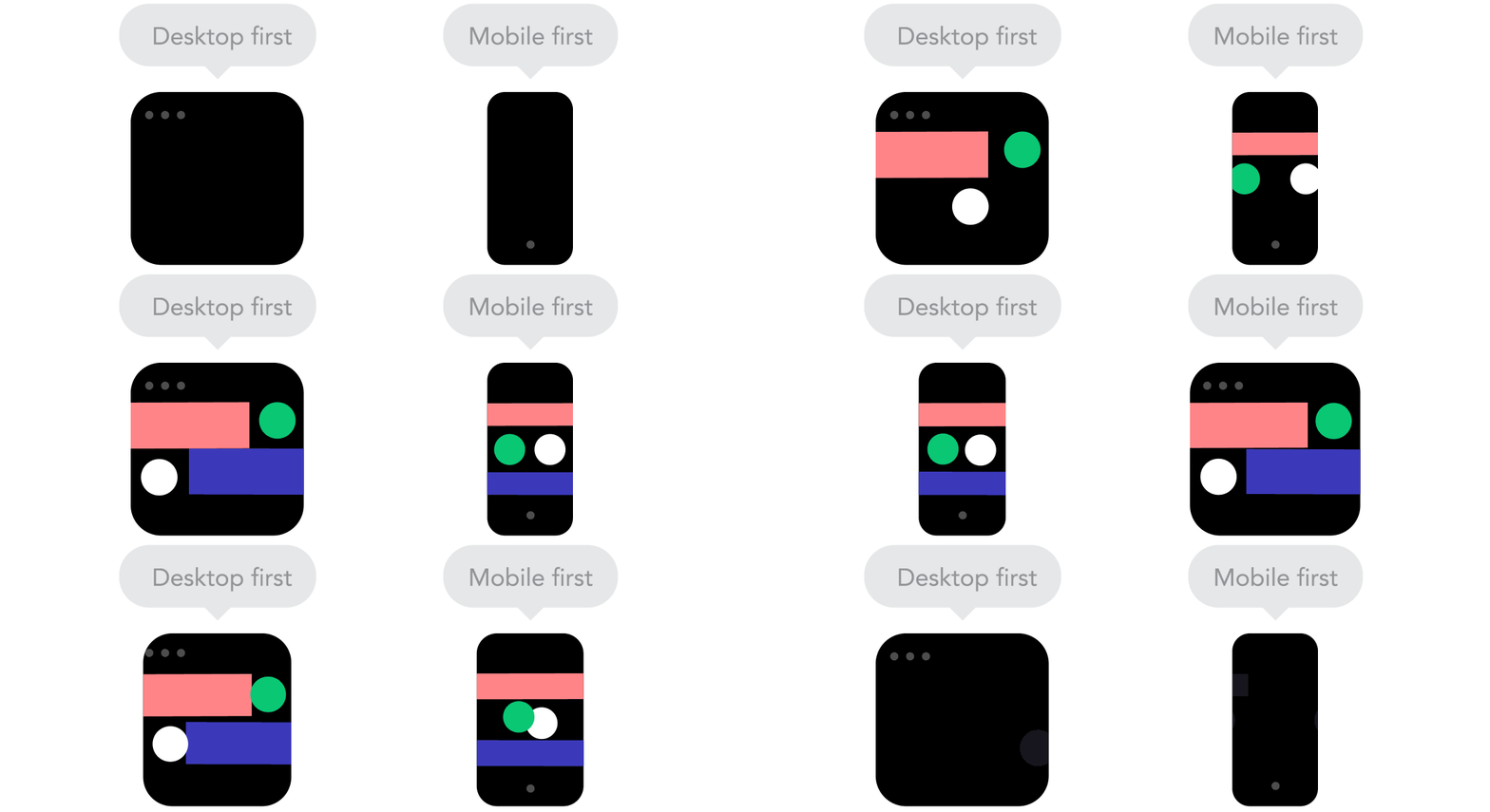
2.8
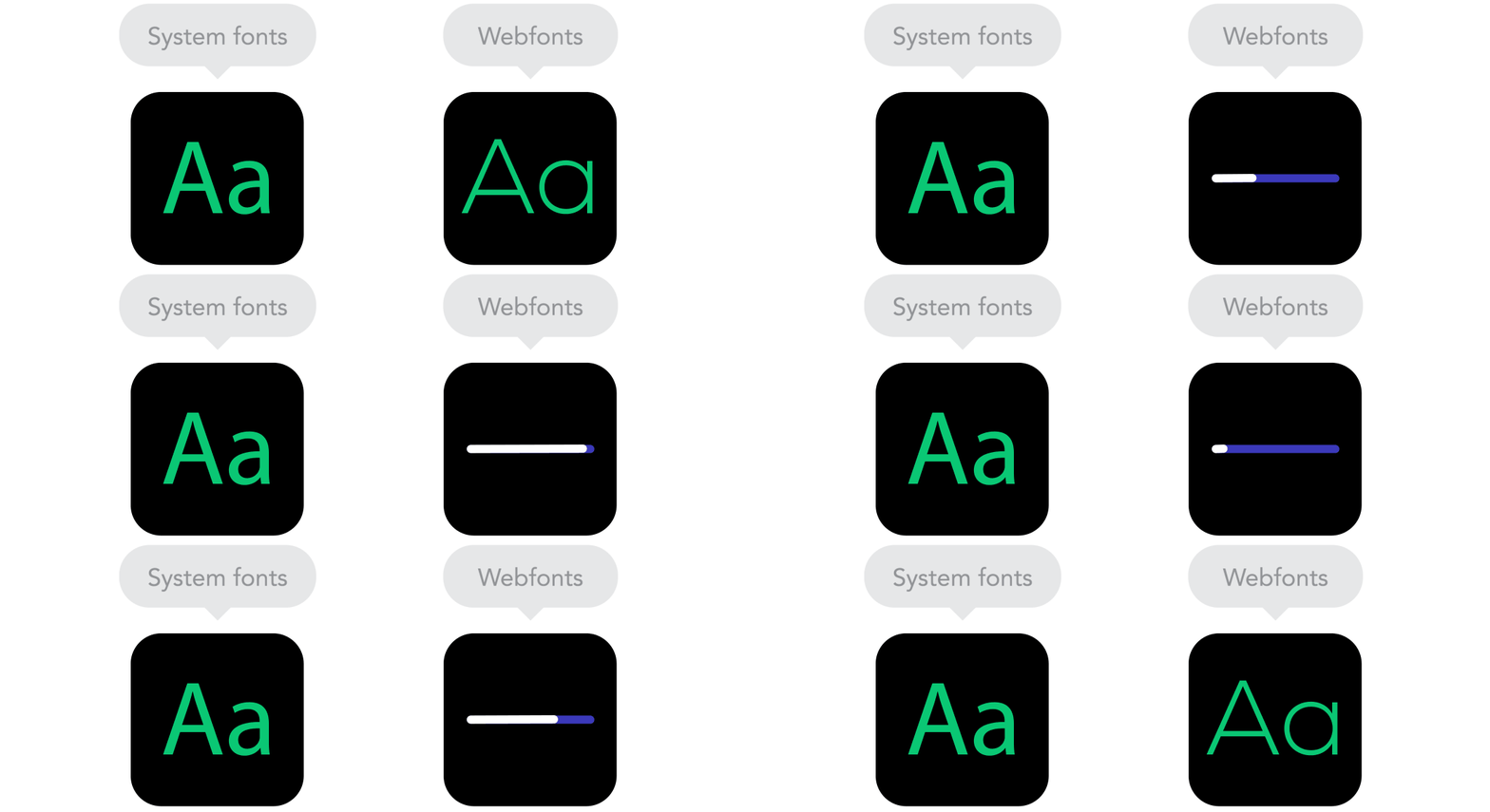
2.9